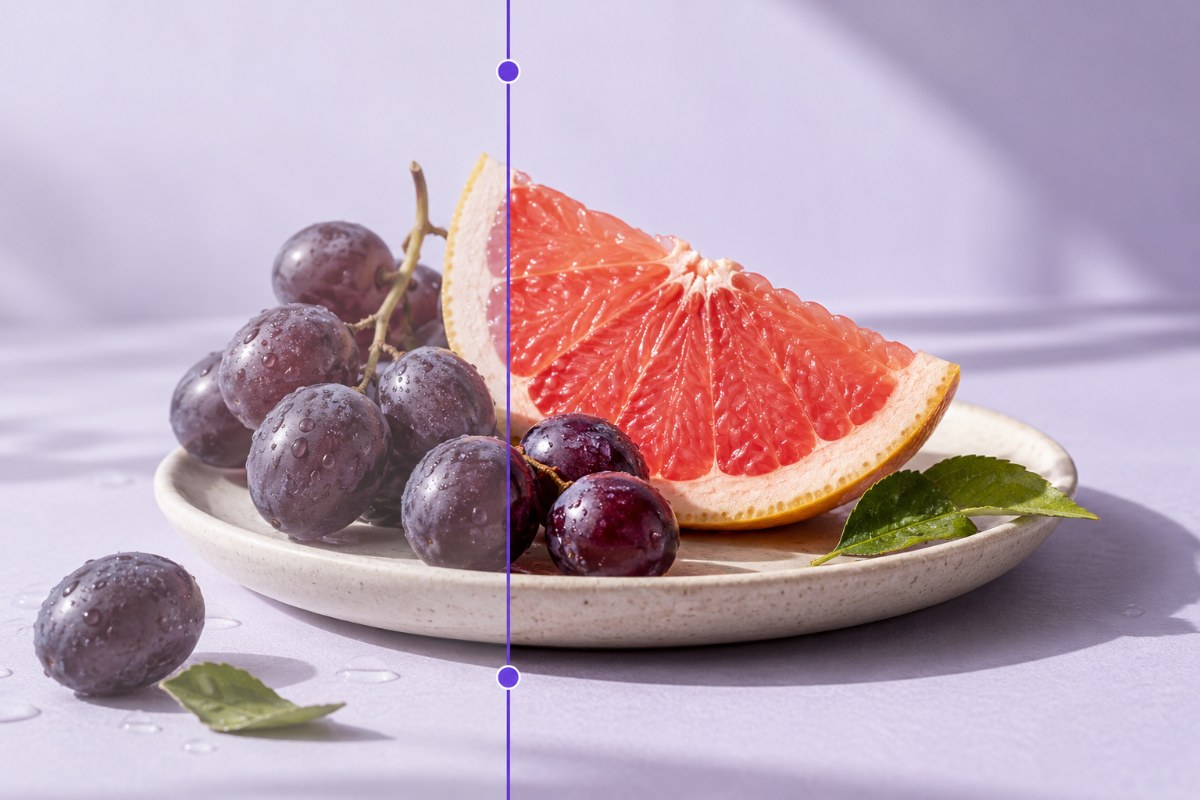
Crop, adjust and finish a photo
Choose File → Open to load an image. Use the crop and image size tools to set the composition, then try color adjustments or brushes. Export a finished image, and save a project if you want to continue editing later.
PicEdita is a photo and image editor that runs in your browser. Open an image or start a blank design, work with layers and editable text, then save your project locally or export a finished image. You can also open PSD, SVG and PDF files, subject to format compatibility limits.
Start editing for freeProduct information updated .
Choose File → Open to load an image. Use the crop and image size tools to set the composition, then try color adjustments or brushes. Export a finished image, and save a project if you want to continue editing later.
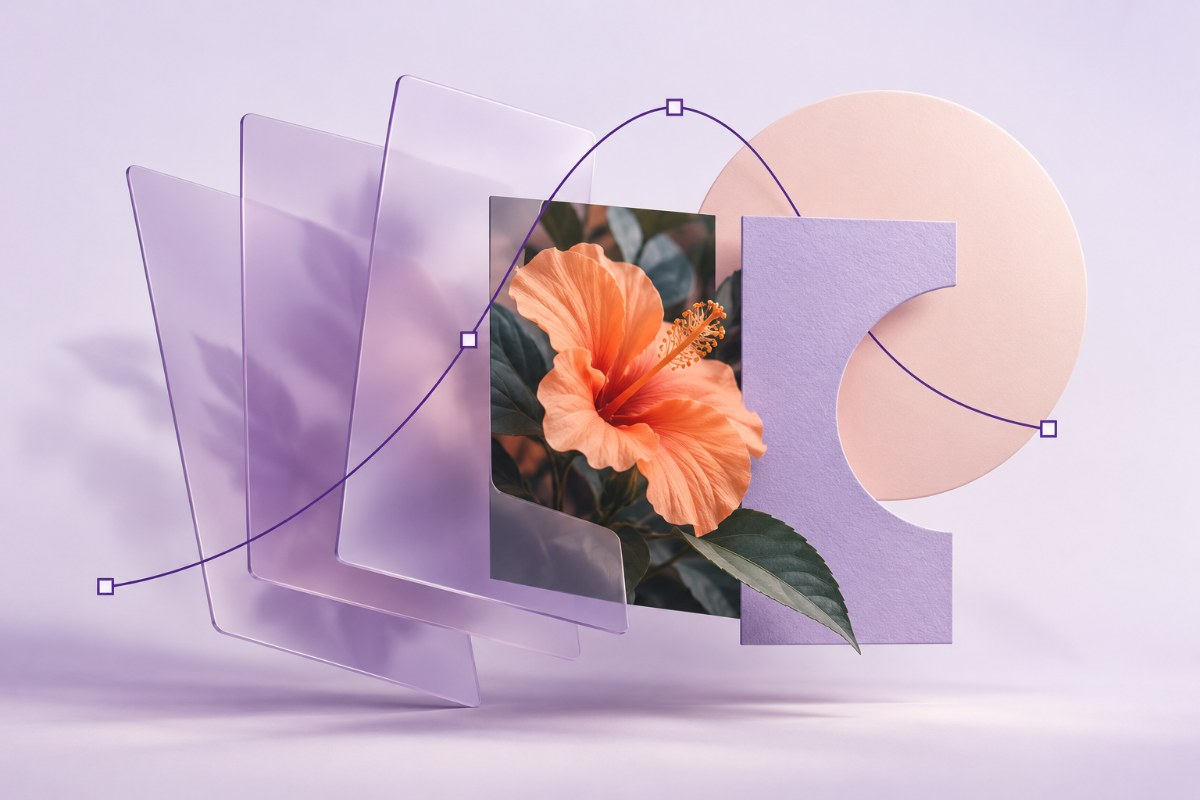
Start a new design or open an existing project. Add images, text and shapes, arrange the layers and use groups to keep the design organized. Save a PicEdita project so supported objects remain editable when reopened.
PicEdita opens more than common photo formats. The list below describes input support. An imported document may contain a mixture of editable objects and raster images; support also depends on the file variant and available browser memory.
| Input format | What you can open | What to check |
|---|---|---|
| PNG, JPG / JPEG, WebP | Photos and everyday raster images. | Image dimensions, file size and browser decoding limits apply. Finished raster images do not contain editable design layers. |
| GIF | Static images and animation frames, opened as frame layers. | Frame, pixel and file-size limits apply. Animation is a sequence of raster frames. |
| PSD / PSB | Supported Photoshop layers, text, shapes and document content. | Effects, fonts and advanced features may differ or use raster fallbacks. PSB support does not guarantee that very large files will fit browser memory. |
| SVG | Supported vector paths, shapes, text and embedded images. | Embedded images stay raster. Unsupported effects or structures may be flattened. |
| Pages and supported text, vector and image objects. | Some content remains raster. Review complex fonts, effects and print color workflows. | |
| TIFF / TIF | Supported 8-bit, 16-bit and 32-bit floating-point images; selected RGB, grayscale and native color variants. | Compression, channels and color layouts must be supported. This does not promise all multipage or layered TIFF variants. |
| OpenEXR (.exr) | Supported half-float and floating-point image content. | Channel, compression, color-space and image-layout limits apply; unsupported variants can be rejected. |
| Radiance HDR (.hdr, .rgbe, .pic) | Supported Radiance RGBE high-dynamic-range images. | These are image files. The .pic extension refers to Radiance content; other PIC file types are not implied. |
| Camera RAW | Supported camera files including DNG, CR2, CR3, NEF, ARW and RAF. | Actual camera model and file variant support depends on the bundled RAW decoder. Additional local processing resources may download on first use. |
| PicEdita project (.json) | Open existing PicEdita JSON project files with their saved editable state. | Existing project files must use the editor’s project structure, not arbitrary JSON. Save project stores your current work in this browser. |
.dng, .cr2, .cr3, .nef, .nrw, .arw, .sr2, .srf, .raf, .orf, .rw2, .pef, .raw, .srw, .rwl, .3fr, .fff, .mos, .kdc, .dcr, .erf, .mef.
Recognizing an extension does not guarantee that every camera model or file variant decodes successfully.
Input and export support are different. The editor offers finished image and supported document exports, with format-specific notes before download. Save a PicEdita project in this browser to keep the editor’s editable state; browser drafts are local recovery copies, not a cloud backup. Other image types depend on your browser’s decoder.
The current public editor is free to use and does not require an account. You can open the editor and start working in your browser.
Editing and image processing run locally in your browser. Save project stores editable projects in this browser’s local storage (IndexedDB). Reopen them from File → Projects & recent files. The current public version does not provide cloud project synchronization. Saved projects are separate from automatic browser drafts. Clearing site data removes local projects; they do not sync across devices.
PicEdita provides browser-based editing and supports selected Photoshop document features. It does not guarantee identical rendering or lossless compatibility with every Photoshop effect, font, color workflow or file. Review imported files and exported results for your intended use.
PicEdita is delivered as a website. Some advanced processing tools download additional files when first used, so full offline availability is not guaranteed. Files are processed locally after the required resources are available.
The editor starts in English. Use the language selector to choose English or Simplified Chinese. Changing the interface language does not translate existing text, layer names or table cells in your artwork.
Open a photo, test the editing tools and save a project before exporting your finished design.
Open PicEdita