What changing DPI actually does
DPI metadata tells compatible software how densely to place an image’s pixels when printing. A 3000-pixel-wide image is 10 inches wide at 300 DPI, or 20 inches at 150 DPI.
Same pixels. A different print size.
Set the print density of a PNG or JPG without resampling its pixels. See how the same image translates into inches and centimeters.
Drop a file here, or choose one
PNG or JPG · 80 MiB · 24 MP maxA little space for your image.
Choose a file to get started.Preview fits the available space. The download uses the stated pixel dimensions.
Follow these steps, then check the preview before downloading.
Try the same files
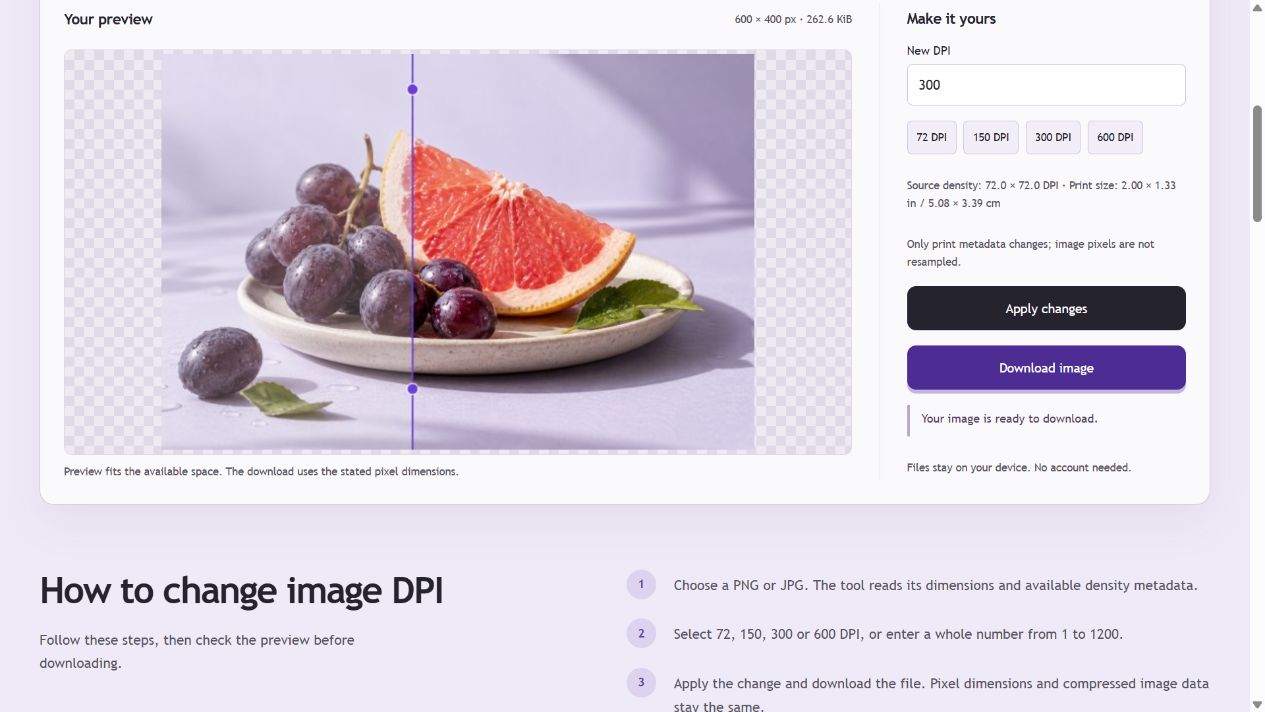
The downloadable PNG starts at approximately 72 DPI. Setting it to 300 DPI changes print-density metadata while retaining its 600 × 400 pixels. PNG stores density as integer pixels per meter, so a metadata reader may report a small rounding difference.
| Property | Before | After |
|---|---|---|
| Pixel dimensions | 600 × 400 | 600 × 400 |
| Print density | 72 DPI (rounded) | 300 DPI (rounded) |
| Nominal print size | 8.33 × 5.56 in | 2 × 1.33 in |
| Compressed image data | PNG IDAT chunks | Identical IDAT bytes |
Verification: compare the PNG IHDR dimensions, pHYs density and concatenated IDAT bytes. Changing DPI does not add detail.
Example checked . Example files use PicEdita’s processing modules; screenshots show the browser workflow. Browser encoders may produce different bytes.
DPI metadata tells compatible software how densely to place an image’s pixels when printing. A 3000-pixel-wide image is 10 inches wide at 300 DPI, or 20 inches at 150 DPI.
This tool updates PNG pHYs or JPG JFIF density and reconciles existing EXIF resolution fields. It does not render the preview back into your file, resize the image or recompress its image data.
Use the density requested by your printer or layout application. Changing a number from 72 to 300 does not add detail or repair a blurry photo. Some applications ignore or override density metadata.
No. This changes print-density metadata only. The pixel count, image detail and compressed image data remain unchanged. Use the image resizer if you also need different pixel dimensions.
The tool shows that density is not specified rather than assuming the image was created at 72 or 96 DPI. You can set a new density before downloading.
PNG and JPG. Animated PNG is rejected because its frame workflow is outside this tool. WebP and TIFF density editing are not provided here.