Equal grids, without losing the edges
A 1601 × 1001 image split into two columns becomes 800 × 1001 and 801 × 1001 pieces. Boundary rounding covers every original pixel exactly once; it never silently drops a strip from the edge.
One image. Every piece in place.
Choose the area you want to keep, add a shape mask if needed, and split it your way. Use a custom grid or tile size, then download individual pieces or the whole set.
Drop a file here, or choose one
PNG, JPG or WebP · 80 MiB · 24 MP maxA little space for your image.
Choose a file to get started.Preview fits the available space. The download uses the stated pixel dimensions.
Follow these steps, then check the preview before downloading.
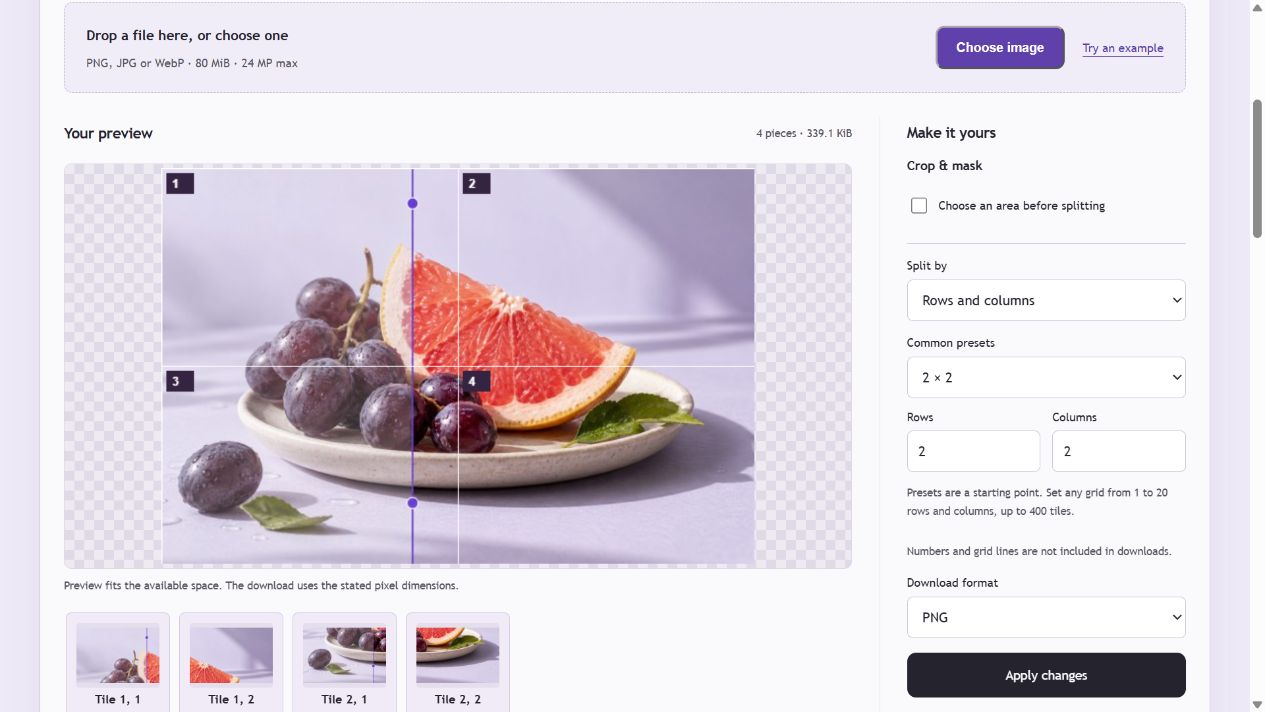
A 1601 × 1001 image split into two columns becomes 800 × 1001 and 801 × 1001 pieces. Boundary rounding covers every original pixel exactly once; it never silently drops a strip from the edge.
Enter a tile width and height to split screenshots, artwork or sprites. Smaller right and bottom edge pieces are kept. Grid mode supports up to 20 rows and 20 columns, with at most 400 tiles.
Tile names include the row and column, and ZIP entries follow reading order. Choose transparent PNG, JPG with a background color or WebP. The preview’s numbers and cut lines are not included in exported images.
No. Enter any grid from 1 to 20 rows and 1 to 20 columns, up to 400 tiles. You can also split by fixed pixel dimensions.
Yes. Enable Crop & mask, choose a shape and drag the frame or enter pixel values. The shape applies to the entire selected area before it is split. PNG and WebP keep transparent corners; JPG fills them with your chosen background.
With cropping disabled, unresized PNG tiles cover the original decoded image exactly once. With cropping enabled, they reconstruct the selected, masked area. JPG and WebP are re-encoded with your selected quality; browser color and metadata handling can differ from the source file.
You can download numbered pieces for your chosen layout. Check the platform’s current aspect ratios, crop behavior and posting order yourself; this tool does not publish posts or guarantee a particular profile layout.