Bring your camera’s image into view.

Convert RAW to JPG online

Develop a supported camera file into a JPG you can share. Adjust exposure, check the preview and keep your original RAW for future edits.

Supported camera RAW80 MiB · 24 MP max

Drop a file here, or choose one

Supported camera RAW · 80 MiB · 24 MP max

Your preview

A little space for your image.

Choose a file to get started.

Preview fits the available space. The download uses the stated pixel dimensions.

Make it yours

Higher quality usually means a larger file.

Used for JPG and resize padding.

Download image
Ready when you are.

Files stay on your device. No account needed.

How to convert camera RAW to JPG

Follow these steps, then check the preview before downloading.

  1. Choose a supported camera RAW file. The decoder downloads on first use and processes the file locally.
  2. Adjust exposure and JPG quality, then apply the settings to develop the image.
  3. Review the rendered preview and download the JPG. Keep the RAW file for future development.
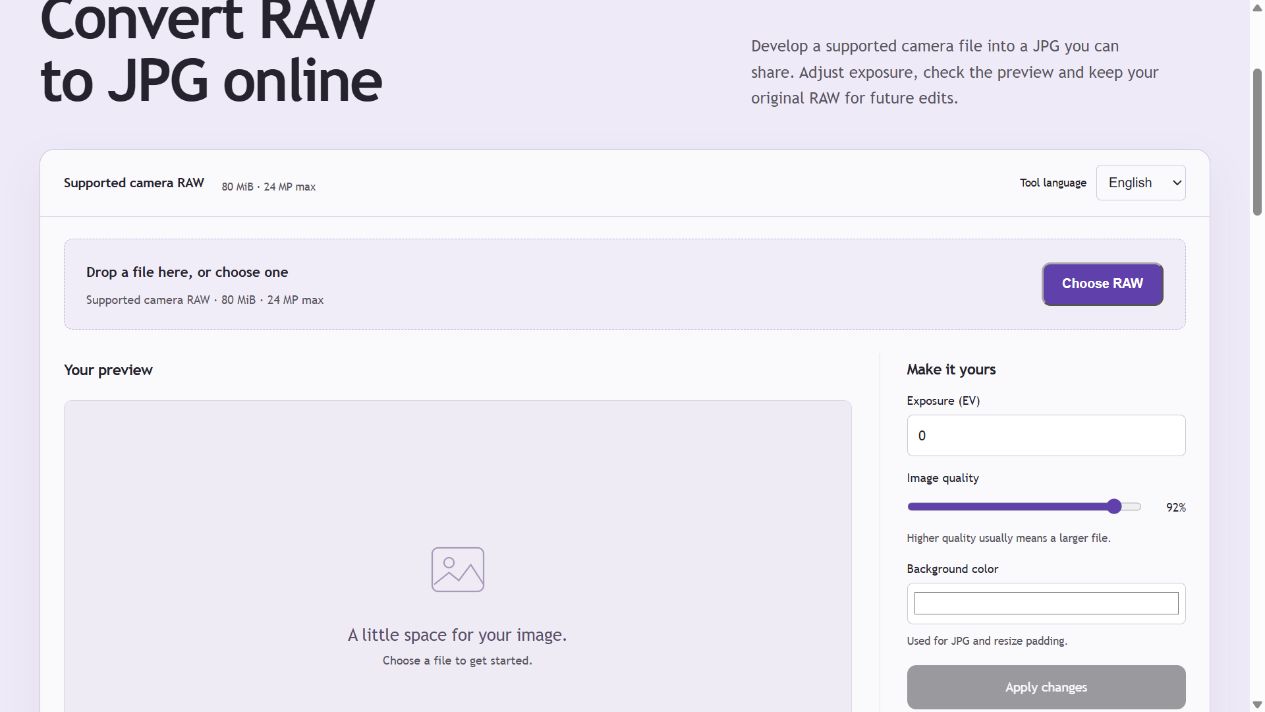
Actual PicEdita RAW to JPG controls before choosing a camera file. File extension alone does not guarantee camera compatibility.
Actual PicEdita RAW to JPG controls before choosing a camera file. File extension alone does not guarantee camera compatibility. Open the screenshot for a larger view.

An actual RAW development workflow

The tool decodes camera sensor data using the project’s LibRaw WebAssembly library, uses camera white balance when available and produces an 8-bit sRGB JPG. It does not just rename your file or return an embedded thumbnail.

Supported extensions are a starting point

Selectable families include DNG, Canon CR2/CR3, Nikon NEF/NRW, Sony ARW and other LibRaw-compatible files. Camera model and compression variant support varies. An extension alone does not guarantee a successful decode.

Limits and image appearance

Files up to 80 MiB and 24 megapixels are accepted. Larger decoded sensor frames are rejected. Exposure can be adjusted from −4 to +4 EV. Rendering can differ from the camera’s JPG and other RAW applications; lens corrections and proprietary camera styles are not reproduced.

Camera RAW conversion questions

Can I convert DNG, CR2, NEF or ARW?

Those extensions can be selected. Success depends on the actual camera model and file variant supported by the bundled LibRaw decoder. Try your original file and review the developed result.

Is it the same as my camera’s JPG?

No. Camera picture styles, noise reduction, sharpening, crop and lens corrections can differ. This tool provides camera-white-balance RAW development and exposure adjustment, not a replica of every camera processing pipeline.

Why does the first conversion take longer?

The browser must load a WebAssembly decoder before it can process the sensor data. A progress message stays visible while decoding. You can cancel and choose another file if a conversion stalls.